
A podcast conversation can move through several interesting topics without following a predictable structure. A discussion that begins with entrepreneurship might shift towards leadership, personal experiences, and industry trends before returning to the original subject.
While these natural transitions make conversations engaging, they can also make longer episodes difficult to navigate.
Someone interested in a particular discussion may not want to search through an entire 90-minute recording to find it. Similarly, podcast creators may struggle to locate valuable moments when preparing highlights, timestamps, or social media clips.
Organising podcast conversations into clearly defined topics helps solve these problems. With structured chapters, searchable footage, and AI-assisted editing, creators can make longer episodes easier to explore without disrupting the natural flow of the conversation.
Why Long Podcast Episodes Are Difficult to Navigate
Unlike scripted videos, podcasts often develop organically. Guests introduce unexpected ideas, hosts ask follow-up questions, and conversations move between related subjects.
This flexibility is one of podcasting’s strengths, but it also creates challenges during post-production.
Important Discussions Get Buried
A lengthy interview may contain valuable insights scattered across different sections.
For instance, a business podcast might discuss customer acquisition at the beginning, return to marketing strategies halfway through, and explore customer retention near the end.
Without clear organisation, viewers must manually search for these discussions.
Topic Changes Are Not Always Obvious
Conversations rarely move between subjects with a formal introduction.
A guest might transition from discussing career challenges to explaining a leadership lesson within the same answer.
Identifying these changes requires understanding the conversation rather than simply dividing the recording into equal time intervals.
Repurposing Content Becomes Complicated
Podcast creators frequently reuse discussions for YouTube Shorts, Instagram Reels, and TikTok.
However, finding a complete, meaningful segment becomes difficult when the original episode lacks identifiable topic boundaries.
A structured episode makes relevant moments easier to locate and reuse.
1. Identify the Main Topics Before Editing
The first step is understanding what the conversation actually covers.
Instead of dividing an episode into arbitrary sections, identify its main subjects and how they connect.
A 60-minute entrepreneurship podcast might follow this structure:
| Episode section | Main topic |
| 00:00–08:00 | Introduction and professional background |
| 08:00–22:00 | Starting a business |
| 22:00–38:00 | Early challenges and lessons |
| 38:00–50:00 | Marketing and customer acquisition |
| 50:00–60:00 | Future plans and closing insights |
These timestamps are illustrative. Actual chapter boundaries should follow the recorded discussion.
A useful topic section should contain enough information to communicate a complete idea.
Avoid creating separate chapters for every minor question. Too many sections can make an episode harder to navigate rather than easier.
2. Use AI to Locate Specific Conversations
Manually reviewing a long recording to identify every discussion can be repetitive.
Semantic footage search provides a different approach. Instead of relying entirely on filenames or timestamps, creators can locate material by describing what happens or what is discussed.
Invideo editor supports footage understanding and search, helping creators find dialogue, actions, people, and relevant scenes within uploaded recordings.
This becomes particularly useful when a conversation returns to the same subject multiple times.
For instance, an editor searching for a guest’s comments about hiring challenges can locate relevant discussion segments and decide whether they belong together or should remain in their original positions.
The important distinction is that finding a topic does not automatically determine the best chapter structure.
Editors should still consider conversational context, topic transitions, and whether moving a section would change its meaning.
3. Create Topic-Based Chapters With AI Editing Agents
Once the major subjects are identified, the next step is turning them into navigable chapters.
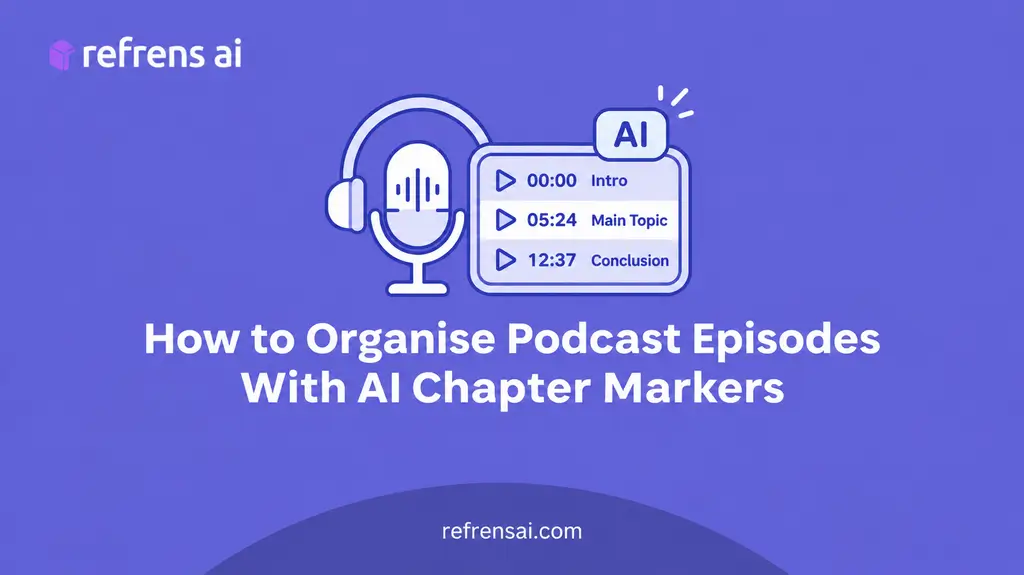
Chapter markers identify points where a new subject begins. They help creators review an episode’s structure and prepare timestamps for descriptions or show notes.
Invideo Editor combines AI editing agents with a multitrack timeline, allowing creators to organise recordings while keeping the underlying project editable.
Within this podcast editor workflow, AI-assisted chapter markers help identify topic changes, locate relevant discussions, and prepare timestamps for longer episodes.
Creators can then review the suggested chapter boundaries against the actual conversation before publication.
How to Organise Podcast Chapters in Invideo Editor
A practical workflow involves five steps:
- Upload the recordings: Add the podcast video files and individual microphone recordings to the media pool.
- Create an editing agent: Give the agent a clear description of the episode and its intended structure.
- Request topic identification: Ask the agent to locate major subject changes and mark them on the timeline.
- Review the chapter boundaries: Check whether each marker begins where the relevant discussion actually starts.
- Prepare timestamps: Use the reviewed chapter positions to create an organised episode description.
An instruction might be:
“Review this interview and identify the main discussions about entrepreneurship, business challenges, marketing, and leadership. Add chapter markers at meaningful topic transitions without interrupting complete answers.”
This provides a structured starting point while leaving the final organisation under the creator’s control.
4. Make Chapter Titles Clear and Searchable
Identifying chapter boundaries is only half the process. Titles also determine whether viewers can quickly understand what each section contains.
Generic labels such as “Discussion Part Two” or “Interesting Conversation” provide little useful information.
A better approach is to describe the actual subject.
Consider these alternatives:
| Generic chapter title | More useful chapter title |
| Business Discussion | How the Business Was Started |
| Marketing Talk | Finding the First 100 Customers |
| Challenges | Common Mistakes During Early Growth |
| Final Thoughts | Leadership Lessons for New Founders |
For YouTube podcasts, creators can include reviewed timestamps in the video description, starting with 00:00. Chapters should follow the actual order of discussion, use descriptive titles, and provide enough separation between sections to make navigation useful.
Checking the final exported video before publishing helps ensure the timestamps remain accurate.
Descriptive chapter titles improve navigation and help viewers recognise relevant sections. They can also provide useful context to search engines, although chapter titles alone do not guarantee higher rankings.
Keep titles concise, accurate, and consistent with what the speakers actually discuss.
5. Restructure Episodes Without Losing Conversational Context
Not every recorded conversation needs to remain in its original order.
Sometimes a guest explains an important concept later in the episode that would help viewers understand an earlier discussion.
Reorganising these sections may improve clarity, but careless rearrangement can make conversations feel disconnected.
Invideo editor allows creators to describe the intended episode structure and have AI editing agents arrange segments into an editable base cut.
Editors can then inspect the sequence, adjust timing, and restore material that provides important context.
When restructuring a podcast, consider three questions:
- Does the new sequence preserve the speaker’s intended meaning?
- Does each section introduce enough context for the next discussion?
- Are transitions between topics understandable?
The objective is not to make a natural conversation sound scripted. It is to improve organisation while preserving authenticity.
6. Turn Organised Topics Into Shareable Podcast Clips
Clear episode chapters also support content repurposing.
A discussion about customer acquisition may become a standalone educational clip, while a personal story could work as an Instagram Reel or YouTube Short.
Instead of selecting random moments, creators can identify complete ideas within each topic.
Invideo editor supports AI-assisted highlight creation and platform-specific cut-downs for YouTube, Instagram, and TikTok.
Creators can specify the topic, desired length, and format, allowing the agent to prepare editable clips from the relevant discussion.
Before publishing, review whether each clip contains enough context to make sense independently.
A compelling statement may attract attention, but removing the surrounding explanation can misrepresent what the guest intended.
Common Mistakes When Organising Podcast Episodes
Even well-edited podcasts can become difficult to navigate when their chapters are poorly planned.
Creating too many chapters: Dividing every minor question into a separate section makes navigation unnecessarily complicated.
Using vague titles: Generic headings prevent viewers from understanding what each discussion covers.
Placing markers too early: A chapter should begin where the new subject meaningfully starts, not halfway through the previous explanation.
Removing essential context: Rearranged discussions and short clips should preserve the speaker’s original meaning.
Skipping the final review: AI-generated chapter markers and timestamps should be checked against the finished episode.
Avoiding these mistakes helps produce a more organised experience without sacrificing the natural flow of the conversation.
Conclusion
Long podcast conversations contain valuable information, but that information becomes more useful when audiences can find it easily.
Topic identification, chapter markers, descriptive titles, and structured timestamps help viewers navigate lengthy episodes and return to discussions that matter to them.
Invideo editor brings AI-assisted footage search, chapter organisation, and editable episode assembly into the same workspace, helping creators manage long conversations while retaining control over their structure.
The goal is not to divide every conversation into smaller pieces. It is to make meaningful discussions easier to discover, understand, and revisit.
Frequently Asked Questions
What are podcast chapter markers?
Podcast chapter markers identify the points where important topics begin. They help creators organise episodes and prepare timestamps so listeners can navigate directly to relevant discussions.
Can AI automatically identify topics in podcasts?
Yes. Invideo editor uses AI editing agents to analyse podcast recordings and identify topic changes. Creators can review the resulting chapter markers and adjust the episode’s organisation.
How many chapters should a podcast episode have?
There is no fixed number. Chapters should reflect meaningful topic changes rather than arbitrary time intervals. A longer interview may need several chapters, while a focused conversation may need only a few.
Do podcast timestamps improve discoverability?
Descriptive timestamps can improve navigation and make episode topics easier to understand. They may also provide useful context for search, but discoverability depends on factors beyond chapter organisation.
